Captions people actually read
Most short-form video is watched with the sound off, at least at first.
Here is how to write captions people actually read.
Step 1: Assume the sound is off
Most short-form video gets watched with the sound off, at least at first.
If the point only lives in the audio, most people never get it.
Captions, sometimes called subtitles, are not decoration here. They carry the sentence.
Step 2: Burn the captions in
Captions can be burned into the clip itself in Mutator.
A platform's automatic captions are not guaranteed, and are not always accurate.
Burned-in text looks the same everywhere the clip gets posted.
Step 3: Keep each line to one thought
Long lines get skipped before anyone finishes reading them.
Break one long sentence into two short ones instead.
About five words on screen at once is close to the limit.
Step 4: Time the words to what is happening
A caption that lags behind the speech reads as a mistake, not a style.
Line the words up with the beat of the clip, not just the audio.
Small timing is what makes captions feel intentional rather than automatic.
TipWatch it once with the sound off before you decide the timing is right.
Step 5: Let the first line do the hooking
The first caption is doing two jobs: saying something and stopping the scroll.
Write it like an opening line, not a label for what follows.
If it would work as the video's title, it is doing its job.
Step 6: Keep the same look across a batch
Pick one caption style, one position, one size, and keep it for a run of clips.
A format in the library can hold that style so it does not reset each time.
Consistent captions are part of what makes a channel recognisable.
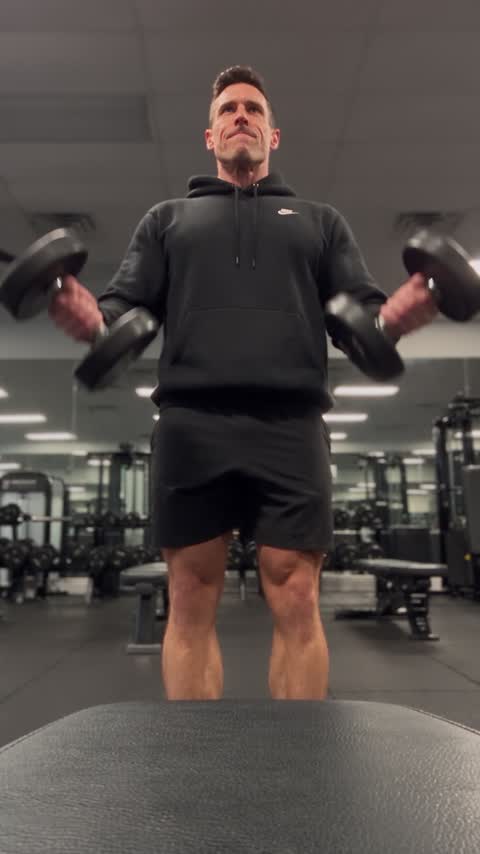
Captions are not an accessibility extra here. For most viewers they are the whole audio.
Get the words right and the sound becomes optional.