How it works
Pick what you want to make, and see every step from your product to the post.
Short-form videos
A short clip of a character with your product, made from one sentence.
- 01You
Add your product
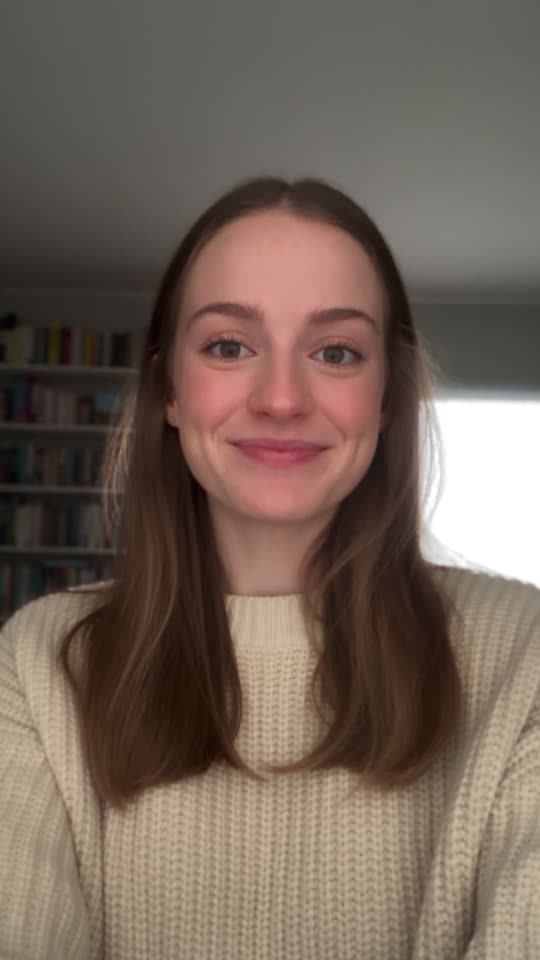
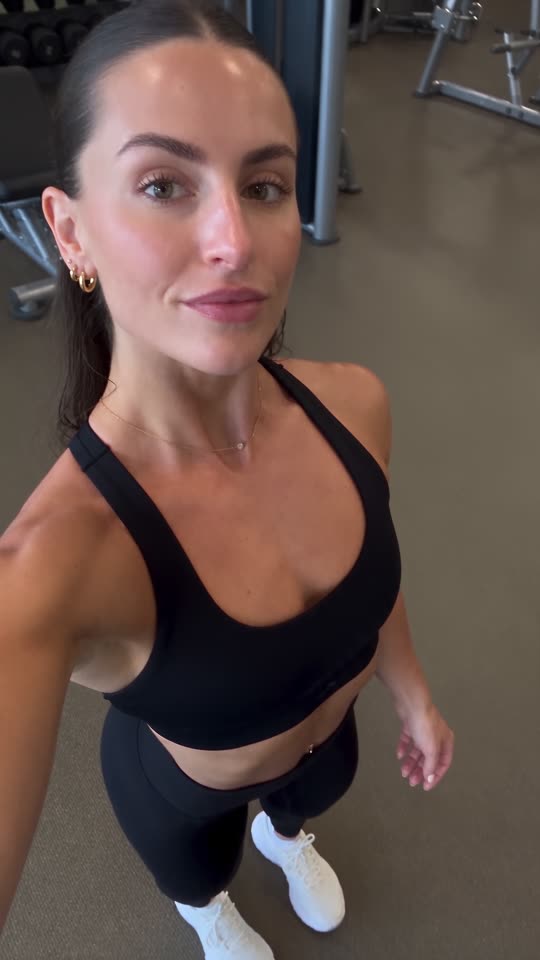
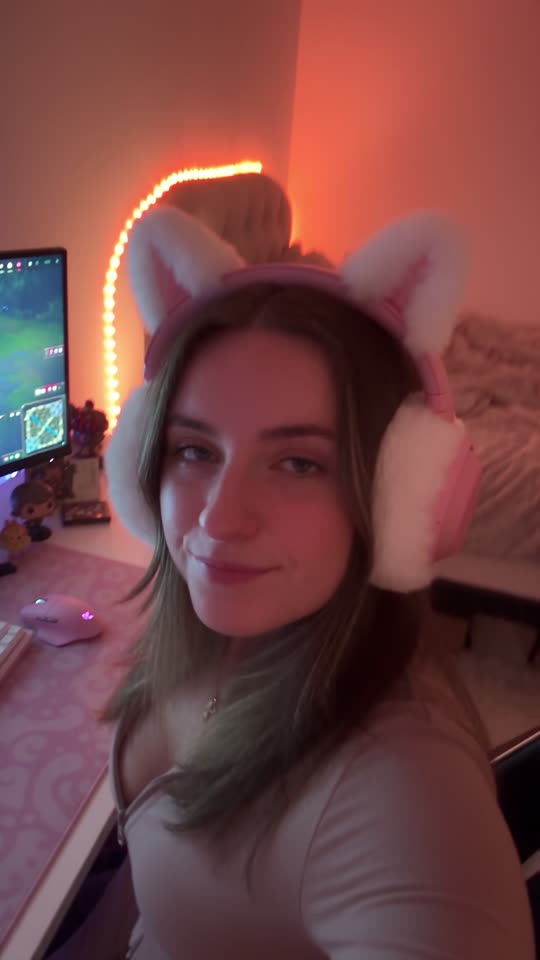
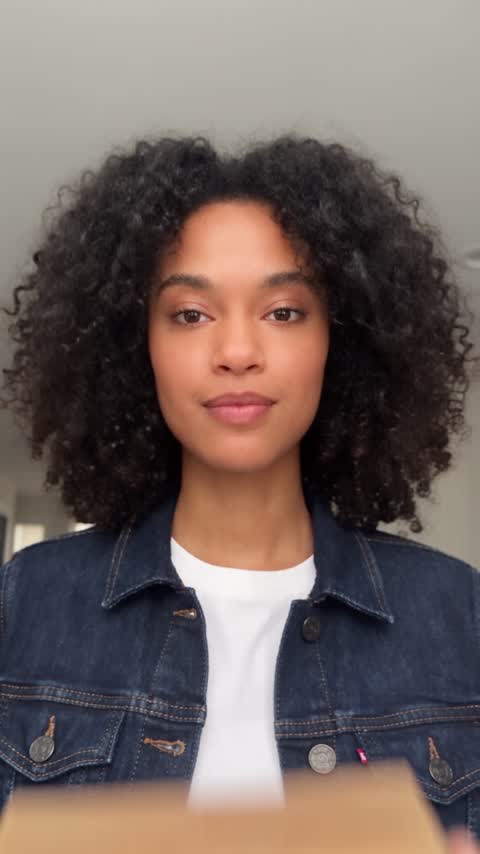
Upload photos or a video of it once. Then add a character: a face Mutator draws, or your own.
- 02You
Describe the scene
Type what happens. With sound on, a line in quotes is said out loud. Pick the shape, 3 to 15 seconds and captions.
- 03Mutator
Mutator films it
It paints the opening frame with your character and product in it, then brings it to life as a clip in your Library.
- 04You
Add it to the schedule
Each account has its own posting days and times. Add the clips you like and they go out to TikTok, Instagram or YouTube in the next open slots.




Photo slideshows
Photos with text on them, posted as one swipeable post.
- 01You
Pick a format
Every format in the library also comes as a slideshow. Press Make a slideshow, or select pictures you made and turn them into one.
- 02You
Answer two questions
Which product? Who is in it? That is the whole brief.
- 03Mutator
Mutator paints the slides
Three to six photos in order, with the text set on each one, a cover and a caption.
- 04You
Post it as a carousel
On TikTok it goes up as a photo post, on Instagram as a carousel. Add it to the schedule like anything else.


TikTok clones
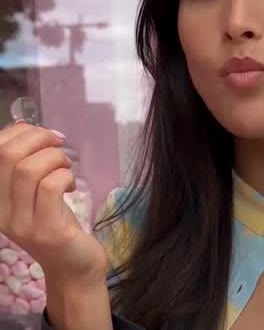
Take a TikTok that already works and make it again, with your character or product in it.
- 01You
Paste a TikTok
Paste its link, upload an MP4, or pick a video from your Library. Up to 15 seconds, with a person in it, and yours to use.
- 02You
Say what changes
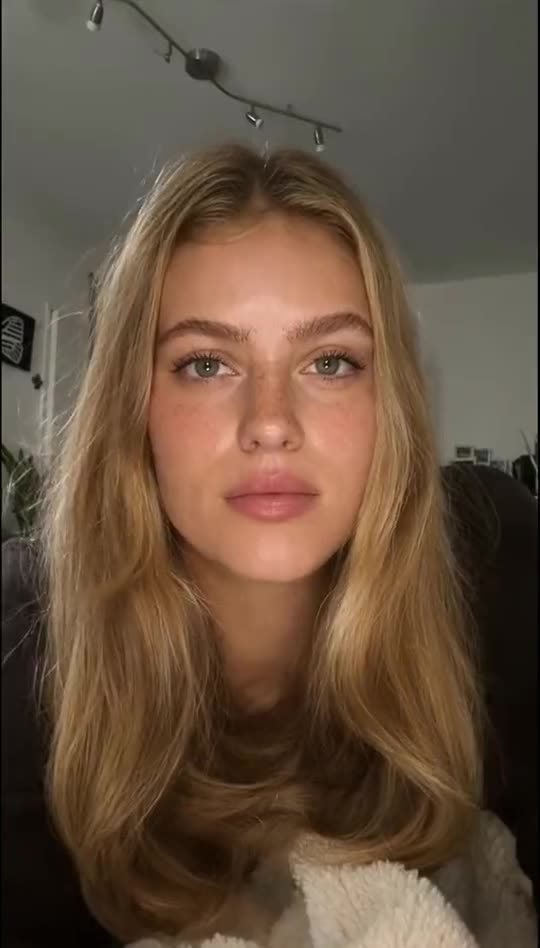
Your character in their place, your product in their hands, or another room. Keep the original sound, or get new music.
- 03Mutator
Mutator clones it
It redraws the first frame with your change and every caption gone, then moves it exactly like the original. A few minutes, start to finish.
- 04You
Keep it, or post it
The clone lands in your Library beside its source. Schedule it, or clone the same video again with something else changed.
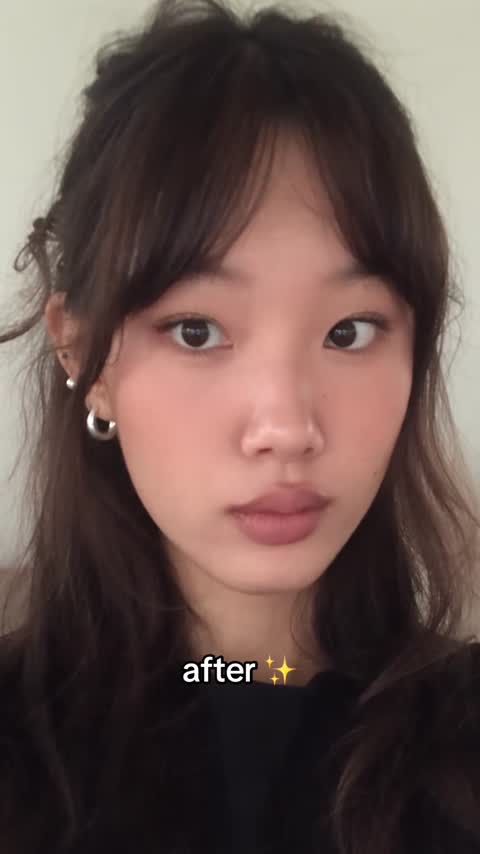
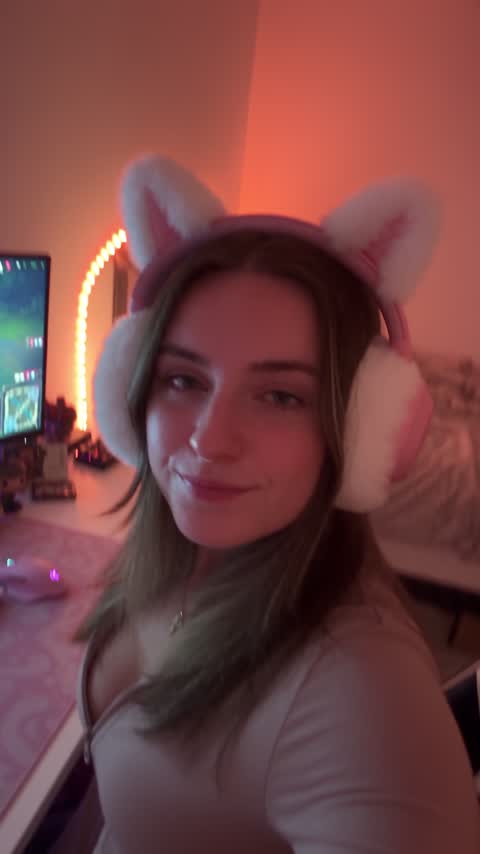
 Your character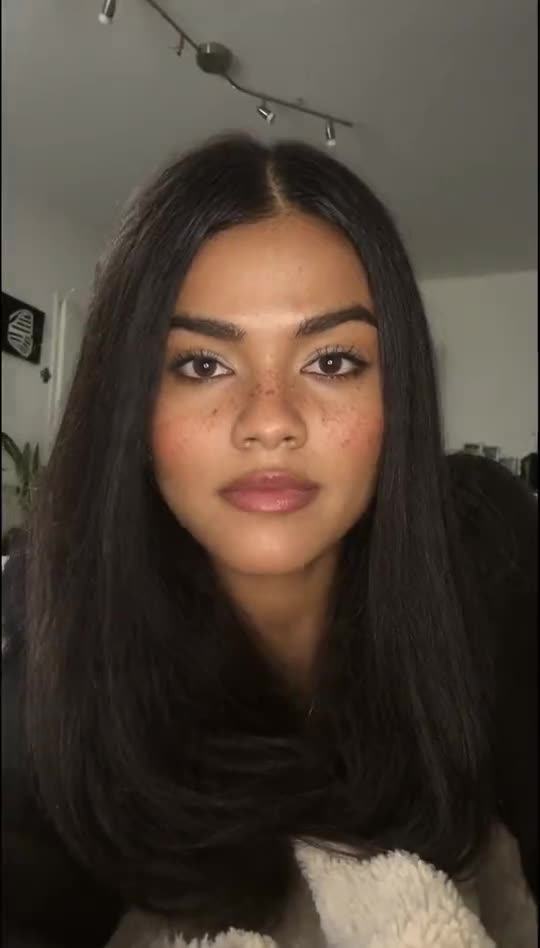
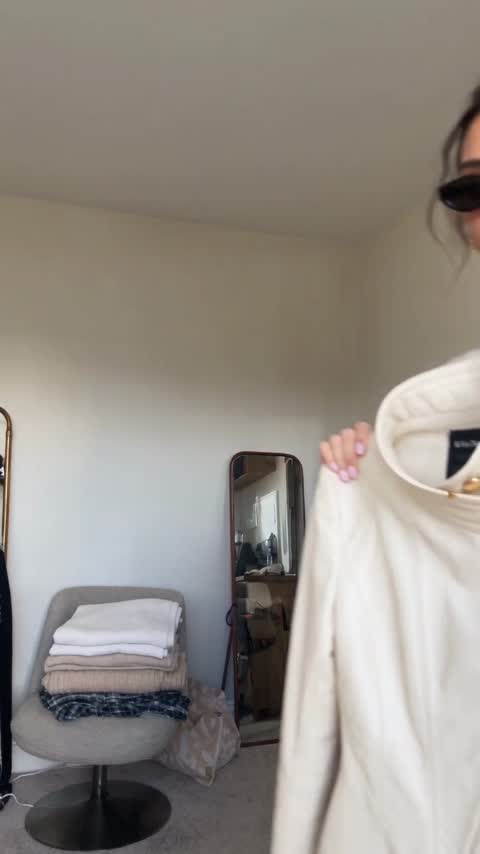
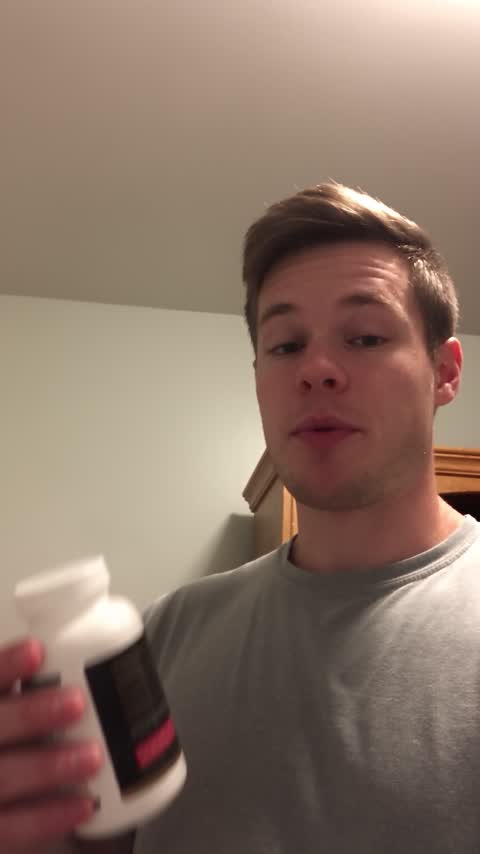
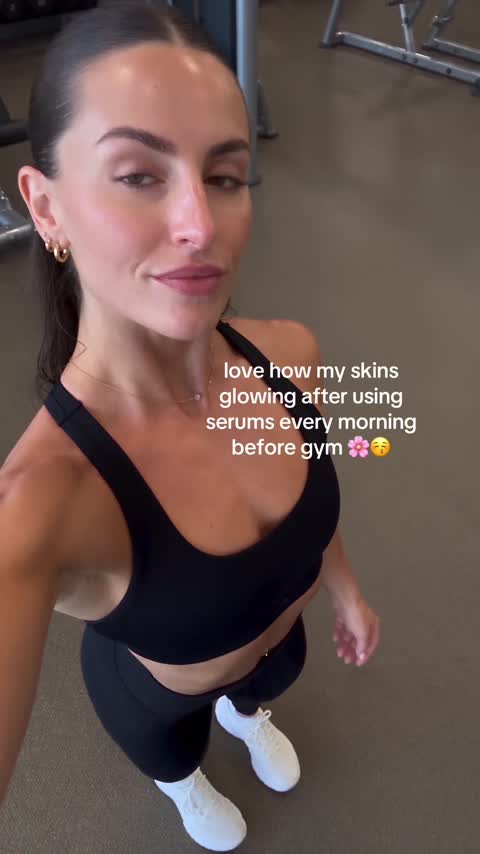
Daily flows
A chain of steps that makes fresh posts every day, at the time you set.
- 01You
Lay out the steps
Open a new flow and add steps on the canvas: make a video or an image, reuse media you have, join clips, gather a slideshow.
- 02You
Set the rhythm
Choose how many to make a day and at what time, then press Activate.
- 03Mutator
Mutator runs it daily
Every day at that time the flow makes a fresh batch, and it waits for you in your Library.
- 04You
Choose what goes out
Nothing posts on its own. Add the ones you like to the schedule, and each account posts them at its own times.

Flows come with Growth and Studio.