AI product videos for your dropshipping store
You do not have a sample on your desk. You have a supplier's product photo.
That is enough for a week of AI product videos for ecommerce.
Step 1: Skip the sample order
Dropshippers usually order a sample before filming. You do not have to.
Use the supplier's photo as a product Reference in Mutator instead.
TipA clean supplier photo works better than a rushed unboxing shot.
Step 2: Say what it fixes
Not the features. The one problem it solves for the buyer.
Write it as a sentence you would say to a friend.
TipIf you cannot say it in one breath, it is too long for a hook.
Step 3: Make a batch of angles
Make four or five clips from the same photo and prompt.
Four videos costs 80 credits. Pro includes 1,000 a month.
TipDifferent angles sell different buyers. Keep more than one.
Step 4: Caption it for sound off
Most of TikTok scrolls with the sound down.
Burn the price and the benefit into the caption text.
Step 5: Check it matches the listing
The clip has to show the product you actually ship.
The wrong colour or the wrong version buys you a refund, not a sale.
TipCheck the listing photo and the clip side by side before you send it.
Step 6: Schedule the ones that work
Mutator's Schedule holds a clip until the day and time you set.
Nothing posts until you choose the file, the account and the time.
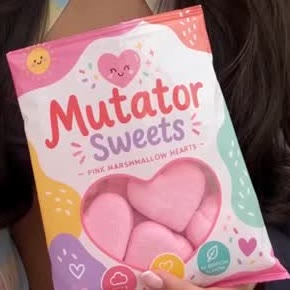

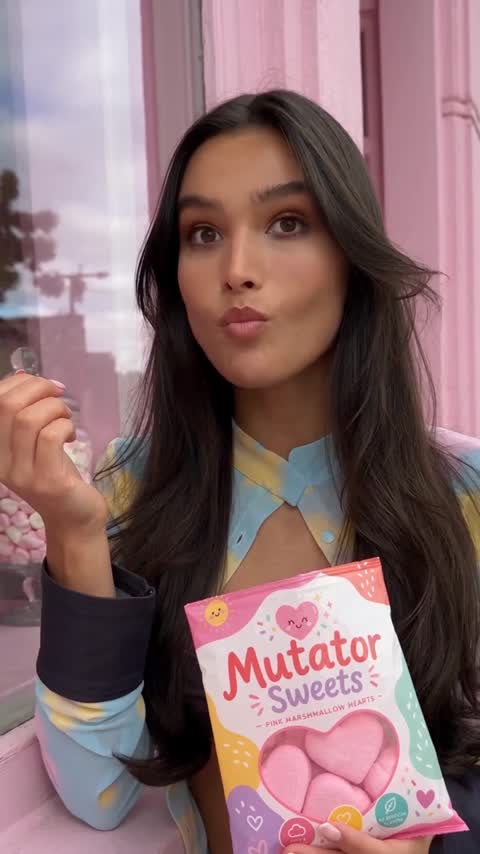

One supplier photo is enough to test a week of angles.
Keep the one that sells, and drop the rest.