Post one video to TikTok, Reels and Shorts
One video can go out as a TikTok, a Reel and a Short.
Here is what to keep the same and what to change for each.
Step 1: One clip, three feeds
The same video can go out as a TikTok, an Instagram Reel and a YouTube Short.
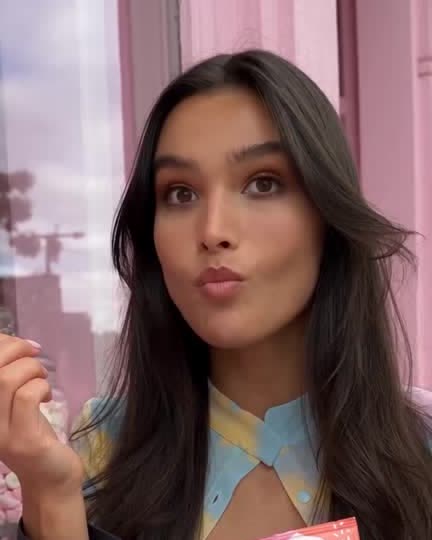
This is what cross-posting looks like done well: one clip, three feeds, no reshoots.
Mutator can post a video to all three once the accounts are connected.
Step 2: Keep it vertical, keep it simple
A 9:16 frame works on TikTok, Reels and Shorts without any changes.
Landscape footage gets cropped or boxed badly on all three.
Generate it vertical from the start and this step disappears.
Step 3: Change the caption per platform
The clip can stay the same. The words around it should not.
A TikTok caption reads casual. A Short's title reads more like a headline.
Write each one separately instead of pasting the same line three times.
TipA caption written for TikTok often reads oddly pasted under a Short.
Step 4: Expect different lengths to work
Shorter clips tend to travel further on Shorts than on TikTok.
Nothing here is a fixed rule, so treat it as a starting guess, not a law.
Try one length across all three and watch what actually happens over a few weeks.
Step 5: Give each account its own time
Each connected account keeps its own posting days and times in the Schedule.
Your TikTok can post at noon while your YouTube channel posts at six.
Set each one for when that platform's audience tends to be around.
Step 6: Check each version before it goes
A post never goes out twice, and each platform gets its own review.
Look at the caption and the crop on each before you send it.
Three quick checks beat one careless copy and paste.
One video is not one post. It is three, each with a small adjustment.
Keep the clip, change the wrapper, and check each one before it goes.